Slide Preview
A preview plays the Slide in your browser so you can watch it without sending it to a screen.
Open Slide preview
From Slide Overview
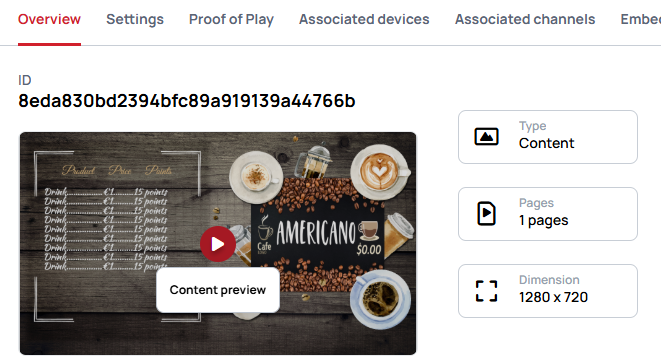
From Slide
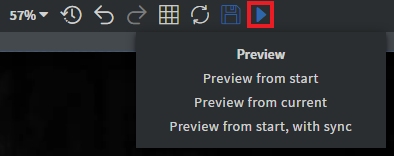
You can also open the preview of the slide by opening the context menu of the slide then select Preview in browser.
Preview modes
Preview
- This option will open the slide in browser preview.
Advanced preview
- Advanced preview opens a dialog where you set how the preview behaves before it starts — synchronization, the autosaved version, stretching, data row, Datasource, time zone and the Screen to imitate.
Learn more: Advanced preview
What a preview does differently
The URL parameters, what happens to custom scripts, embedded iframes and why a preview often has no sound are the same for every preview and are covered once.
Learn more: Preview