Connect your Microsoft account for SSO
Connect your Microsoft account to your Wallboard profile to use Sign in with Microsoft on the login page.
Open your profile.
-
In Connect Microsoft account, select Connect.

-
Sign in with the Microsoft account you want to use for SSO. If Microsoft requests consent, follow the prompt.
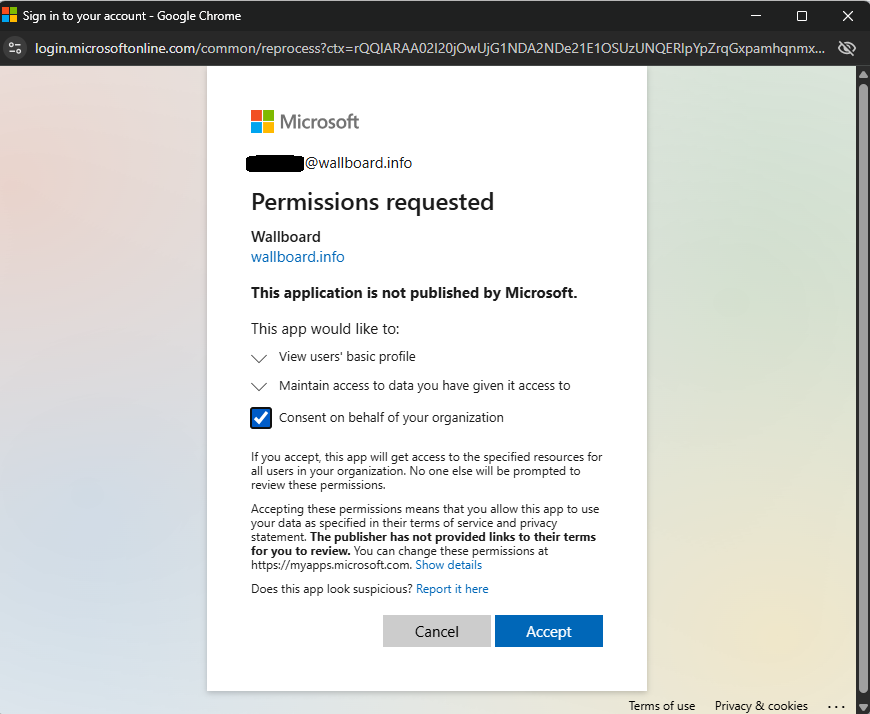
Once connected, use Sign in with Microsoft on the Wallboard login page.
note
If Connect is disabled, SSO login must first be enabled for your user. Ask your Wallboard administrator to enable it.