Reset a forgotten password
If you can't sign in, request a password reset from the login page.
-
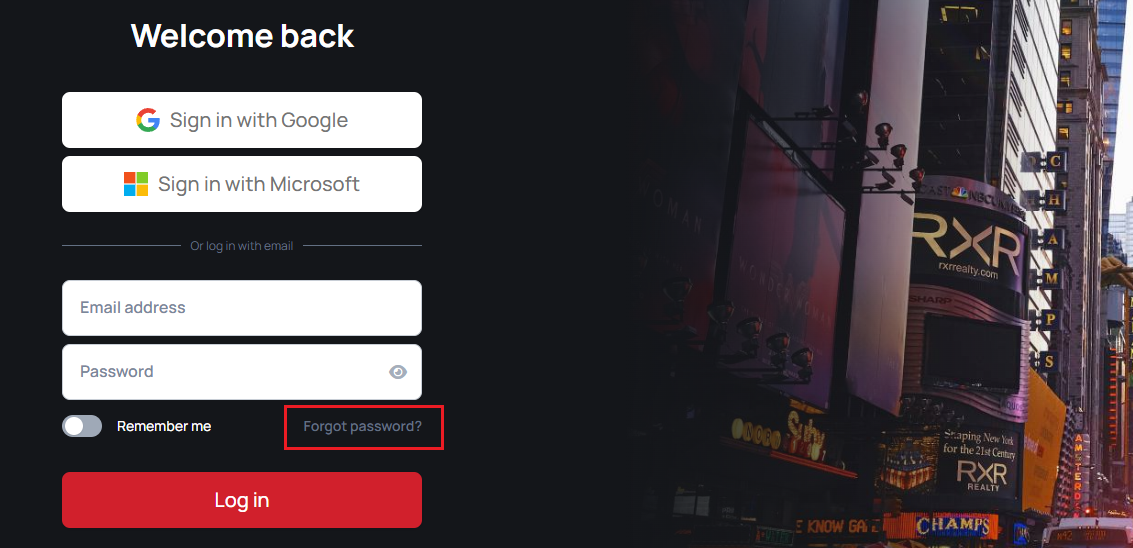
Select Forgot password? on the login page.
-
Enter the email address for your account, complete the reCAPTCHA if required, then select Request password reset.

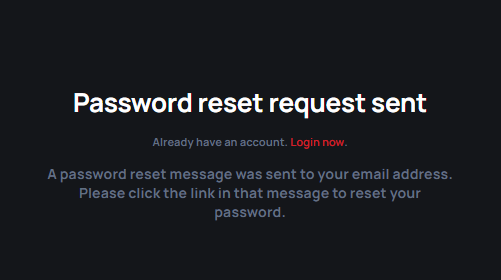
A confirmation on screen indicates that the request was sent.
-
Open the password reset email and follow its link to the new password page.
-
Enter and confirm your new password, then select Reset password.

After the reset succeeds, sign in with your new password.