Access your user settings
Your profile contains your general settings and information about the current UI and system versions.
Open your profile
Select your name or profile icon in the bottom-left corner of the Wallboard interface.

General settings
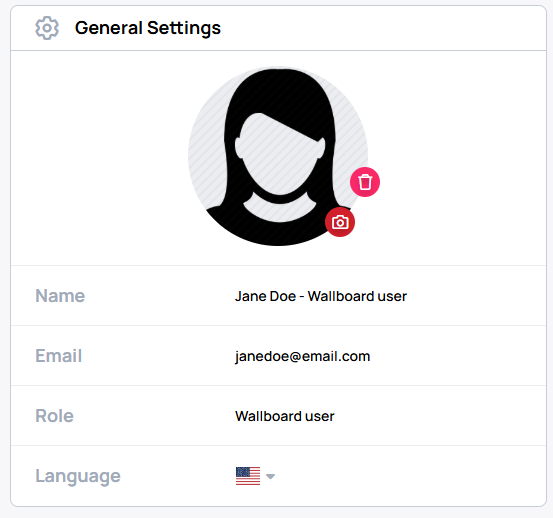
In General Settings, you can change your displayed name, interface language, and profile picture.
About
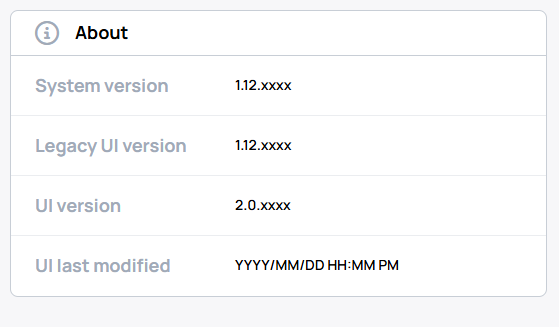
The About card shows the current UI and system versions.