Set your interface language
You can change the Wallboard portal language in your profile.
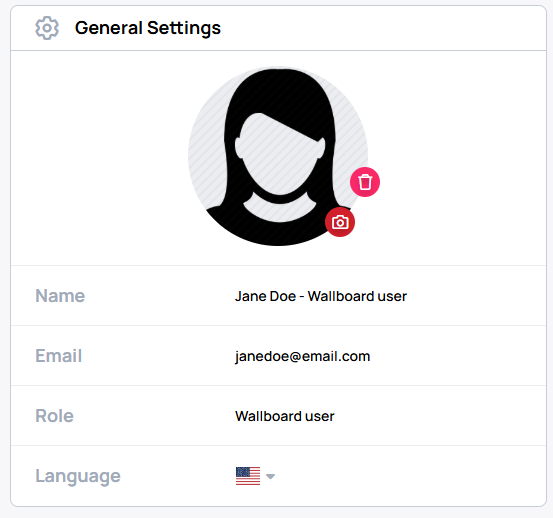
Open your profile and find General Settings.
Select a language
In General Settings, select your preferred language. The change applies automatically.
Available languages
The profile language selector offers these languages:
- Arabic (العربية)
- Chinese Simplified (简体中文)
- Croatian (Hrvatski)
- Czech (Čeština)
- Danish (Dansk)
- Dutch (Nederlands)
- English
- French (Français)
- German (Deutsch)
- Greek (ελληνικά)
- Hebrew (עברית)
- Hungarian (Magyar)
- Italian (Italiano)
- Japanese (日本語)
- Polish (Polski)
- Portuguese - Portugal (Português)
- Romanian (Română)
- Russian (Pусский)
- Serbian - Latin (Srpski)
- Slovak (Slovenčina)
- Slovenian (Slovenščina)
- Spanish (Español)
- Swedish (Svenska)
- Turkish (Türkçe)
- Uzbek (Oʻzbekcha)
tip
If you spot a translation issue, please contact Wallboard Support with both the incorrect text and the suggested correction.