Manage your profile picture
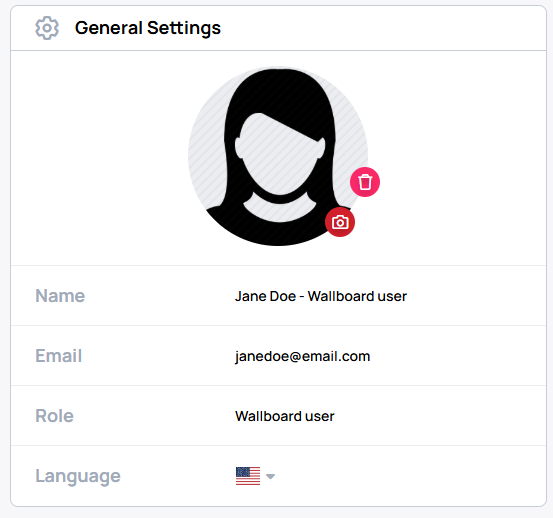
You can add, change, or remove your picture from the General Settings card on your profile page.
Open your profile and find General Settings.
Add a picture
In General Settings, select Add profile picture and choose an image from your device. Adjust the picture in the cropper, then select Apply to upload it.
Change a picture
In General Settings, select the camera icon on your profile picture and choose another image. Adjust the picture in the cropper, then select Apply to upload it.
Remove a picture
In General Settings, select the trash icon on your profile picture, then confirm the removal in the dialog.