QR Code Widget
With the QR Code Widget, you can display a QR code generated by entering text.
Properties
Text
You can generate your own QR code by typing the text you want into the Text Field. You can also set the color and background color of the QR code.

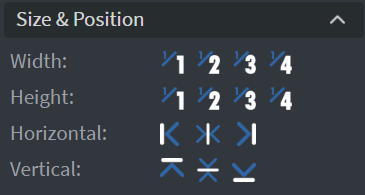
Size & Position
In the Size & Position Menu, you can select the width, height, and placement of your widget quickly.
Proof of Play
Learn more: Enable reporting (Content) and Enable reporting (Slide).
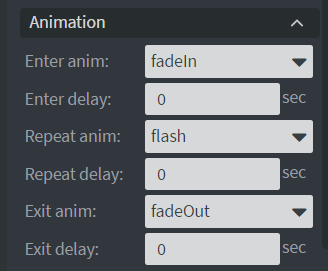
Animation
In the Animation Menu, you can choose the Enter, Repeat, and Exit animations of your widget.
Bind to Data
You can use the Bind to data tool to select your Datasource.

Additional Properties
Under the Jump Menu, you can click on the three dots to access Additional Properties (aka MORE). However, this section is not detailed in the current documentation.
Extra Tip
WIFI Password Sharing via QR-Code
- Create a QR code widget.
- Fill the following text with valid information:
WIFI:T:WPA;S:mynetwork;P:mypass;;
- Then you can share the WIFI password as you can share it between phones.