Facebook Widget
The Facebook widget brings in your Facebook feed so you can display your events, messages, and timeline.
- You cannot use Workplace or login needed feeds.
- A stable internet connection is required.
- Facebook widget is not cacheable. Offline mode is not supported.
Properties
Content
In the Content Menu, you can set the Facebook page that you want to display in your content. You can use the URL, the ID, or the name of the Facebook page.

Behaviour
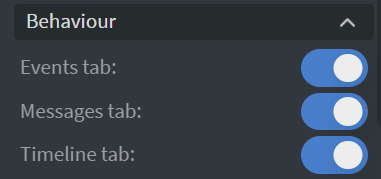
In the Behaviour Menu, you can set the widget's behaviour:
- Choose which tabs to display: Events, Messages, and Timeline.
- Make the content refresh periodically.
- Make it interactive for touch screens.
- Set the header to small or hide the cover image.
Size & Position
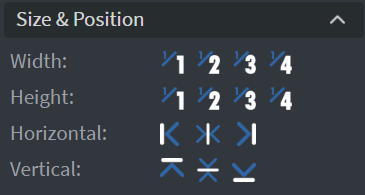
In the Size & Position Menu, you can select the width, height, and placement of your widget quickly.
Proof of Play
Learn more: Enable reporting (Content) and Enable reporting (Slide).
Effects
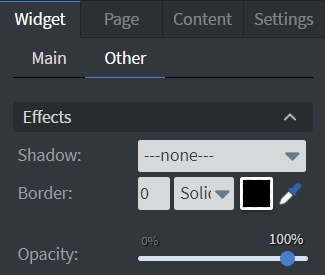
In the Effects Menu, you can select a background image or color for your widget.
Animation
In the Animation Menu, you can choose the Enter and Exit animations of your widget.

Additional Properties
Under the Jump Menu, you can click on the three dots to access Additional Properties (aka MORE). However, this section is not detailed in the current documentation.