Audio Widget
With the Audio widget, you can add a single audio file to your content.
Properties
Source
- In the Source Menu, you can select the video that you want to display and set the volume level.
- The Loop option will continuously loop the audio file.

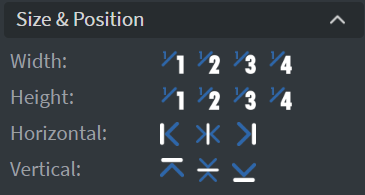
Size & Position
In the Size & Position Menu, you can select the width, height, and placement of your widget quickly.
Proof of Play
Learn more: Enable reporting (Content) and Enable reporting (Slide).
Data
- You can use the Data Picker tool to select your Datasource.
- You can use Hide Based On to hide the widget based on data from a Datasource. If the datarow of the device and the given data are not the same, the widget will not appear on the device.
