Advanced device configuration
We created a new configuration option, like sensor configuration, which is called advanced configuration. This can contain supported custom commands as well as some additional configuration.
Navigate to the Devices menu and select the device where you wish to set the advanced configs.
- In the details tab, select
Settings, scroll down until you find theAdvanced configmodal.
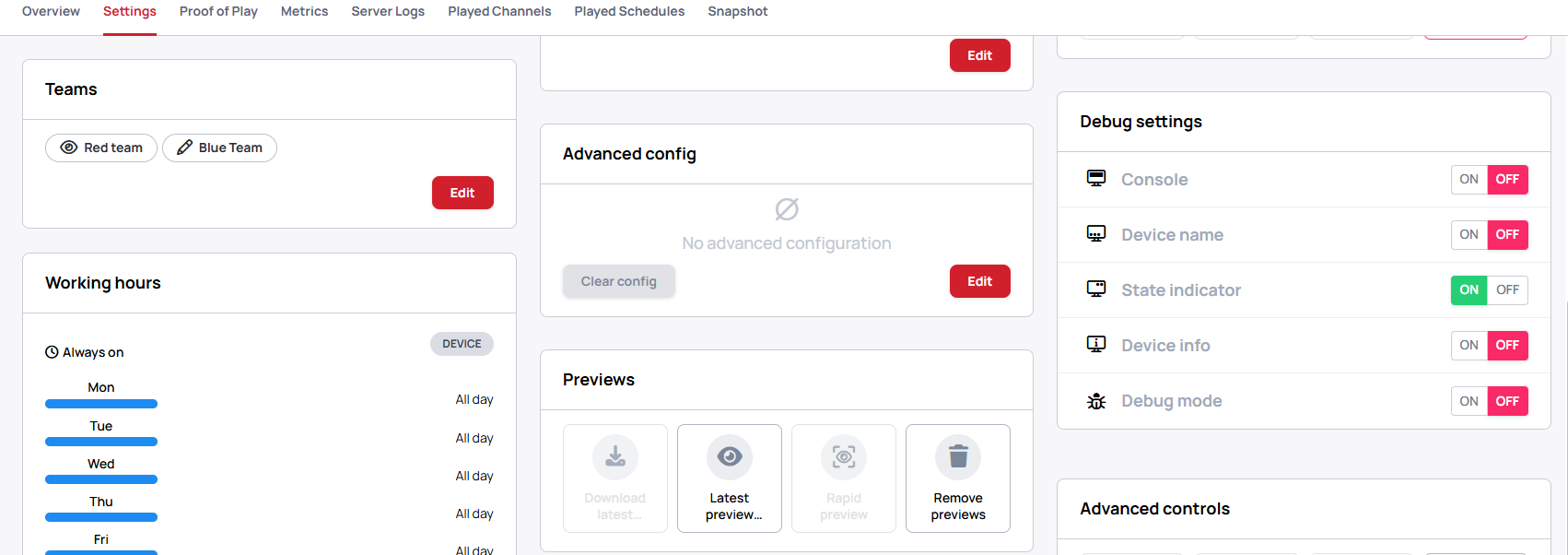
- Click on the
editthen place theconfigto the box
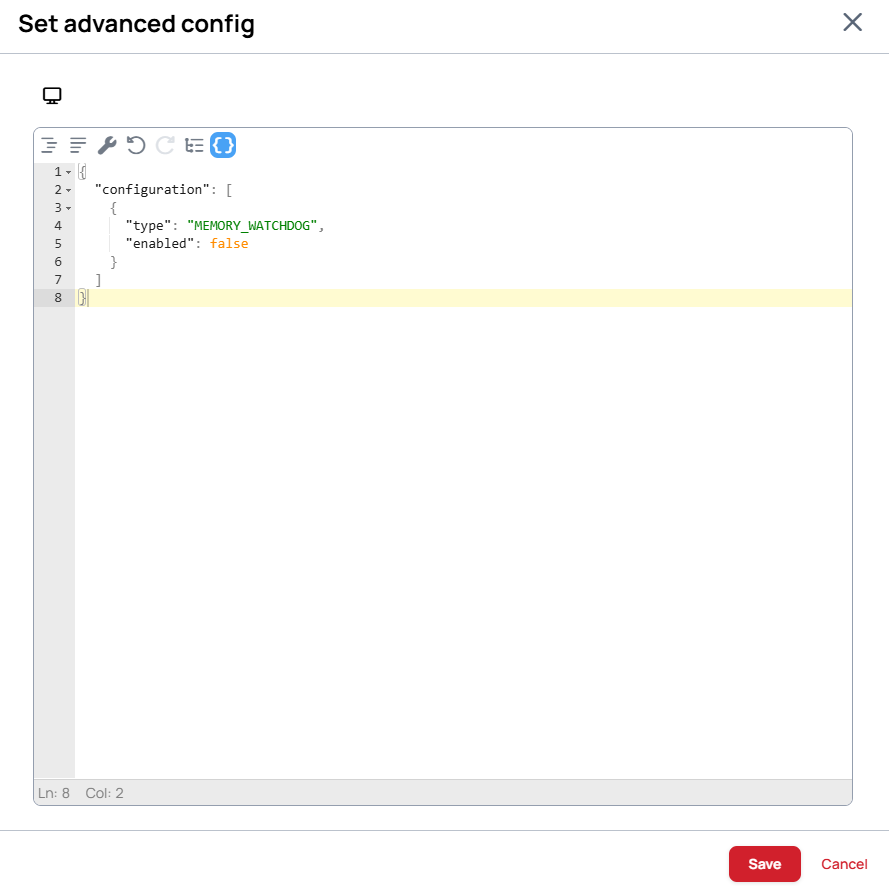
Clear button only clears the input field to an empty json. Sending this json doesn't disable the previous configuration of the device.
Here is an example for a generic advanced configuration, which should work everywhere
Enable memory watchdog
This command turns on a system memory watcher. If the device reaches the given percent limitation the application makes steps to free up used memory by restarting itself. If the memory limit is exceeded a few times the application reboots the device to free up even more memory.
The minimum limit is 0.4, the maximum is 1.0.
{
	"configuration": [
		{
			"type": "MEMORY_WATCHDOG",
			"enabled": true,
			"maxMemoryLimitFraction": 0.7
		}
	]
}
Disable memory watchdog
{
  "configuration": [
    {
      "type": "MEMORY_WATCHDOG",
      "enabled": false
    }
  ]
}
Every device has their own set of advanced configuration, consult the Player's guide accordingly.