Create templates
Templated are easy to use graphical contents and slides that can be used as a sample inside contents.
- These templates with quick editable widgets will create a simple content where you just have to customize the topic and the content manually or customize it in our quick editor.
- You can export and import templates.
Create Templates
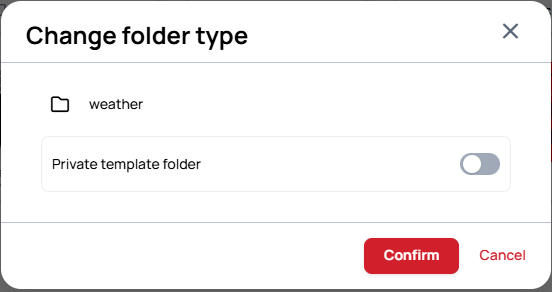
Create Private Template Folder
Click on the folder, then select Change folder type.
- If you enable this option, all contents in this folder will become private templates.
Add Content or Slide
Create a slide or a content into the folder.
Enable Quick editing
Enable Quick editing option on the quick editable widgets. This way the widgets will be Quick editable if you wish to use the content inside Playlist editor.
- You can find this option on the Content properties on the right.
Learn more: Use templates in Playlist and Quick Editor
Final steps
After you finished the content creation, click on the Save button.
- If you remove the content from the template folder, it will become an ordinary content so it cannot be used as a template.