Partner System
What is the Partner System?
The Partner system (Network system in Wallboard terms) lets network owners (like franchises or agencies) manage multiple different companies from one place. Think of it as a parent account that controls child accounts.
Each company (called a "member") is a completely separate workspace with its own content, devices, and users. Resources cannot be shared between members or network owner.
To share resources between locations within a single member's workspace, use the Teams feature. Teams work inside one workspace — they cannot share resources across separate members.
Where can I find the Network Functionality?
Go to Network settings in Wallboard.
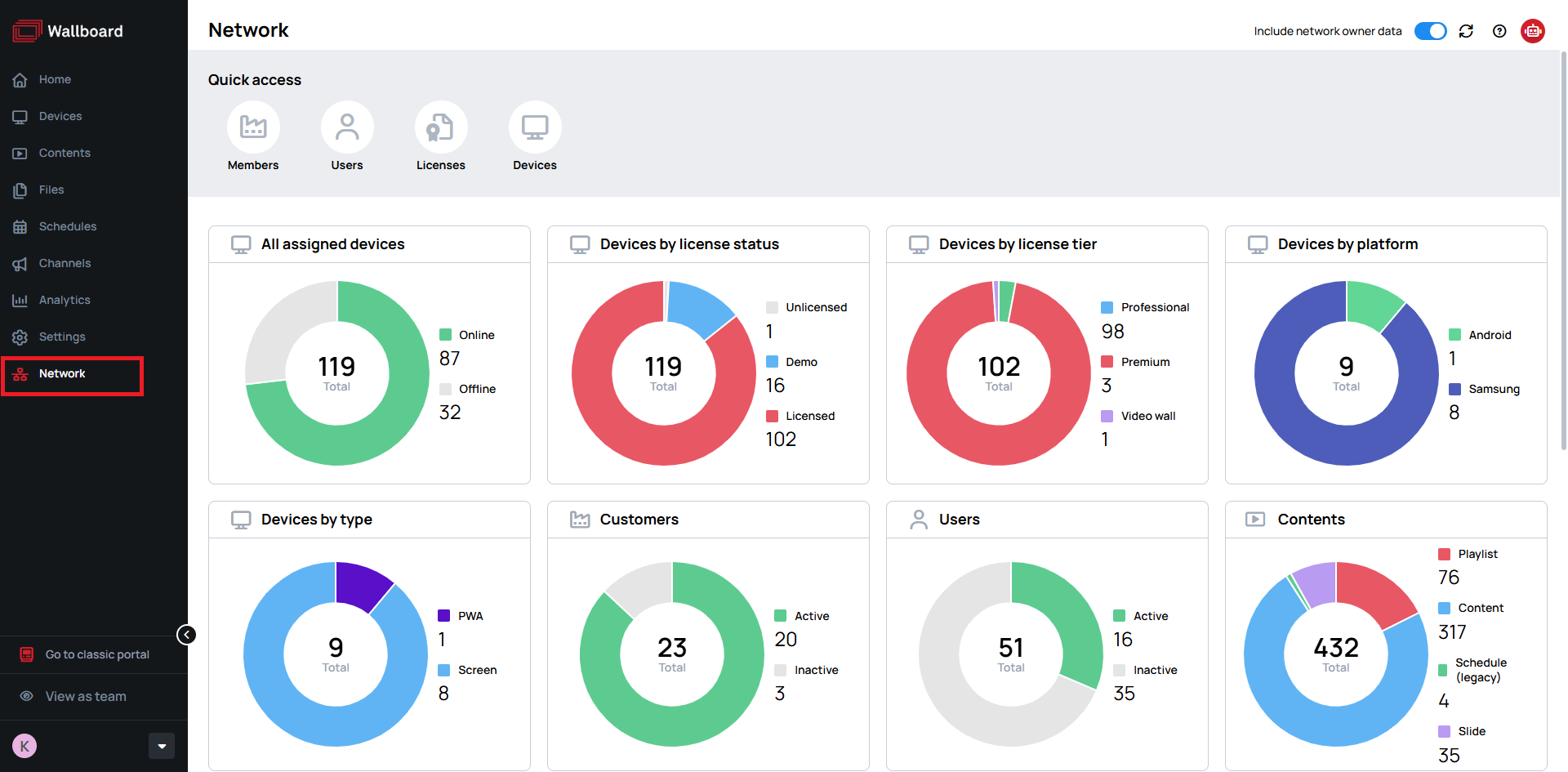
The Network option is only available when your portal is configured as Network Owner, which requires server administrator setup.
Network dashboard
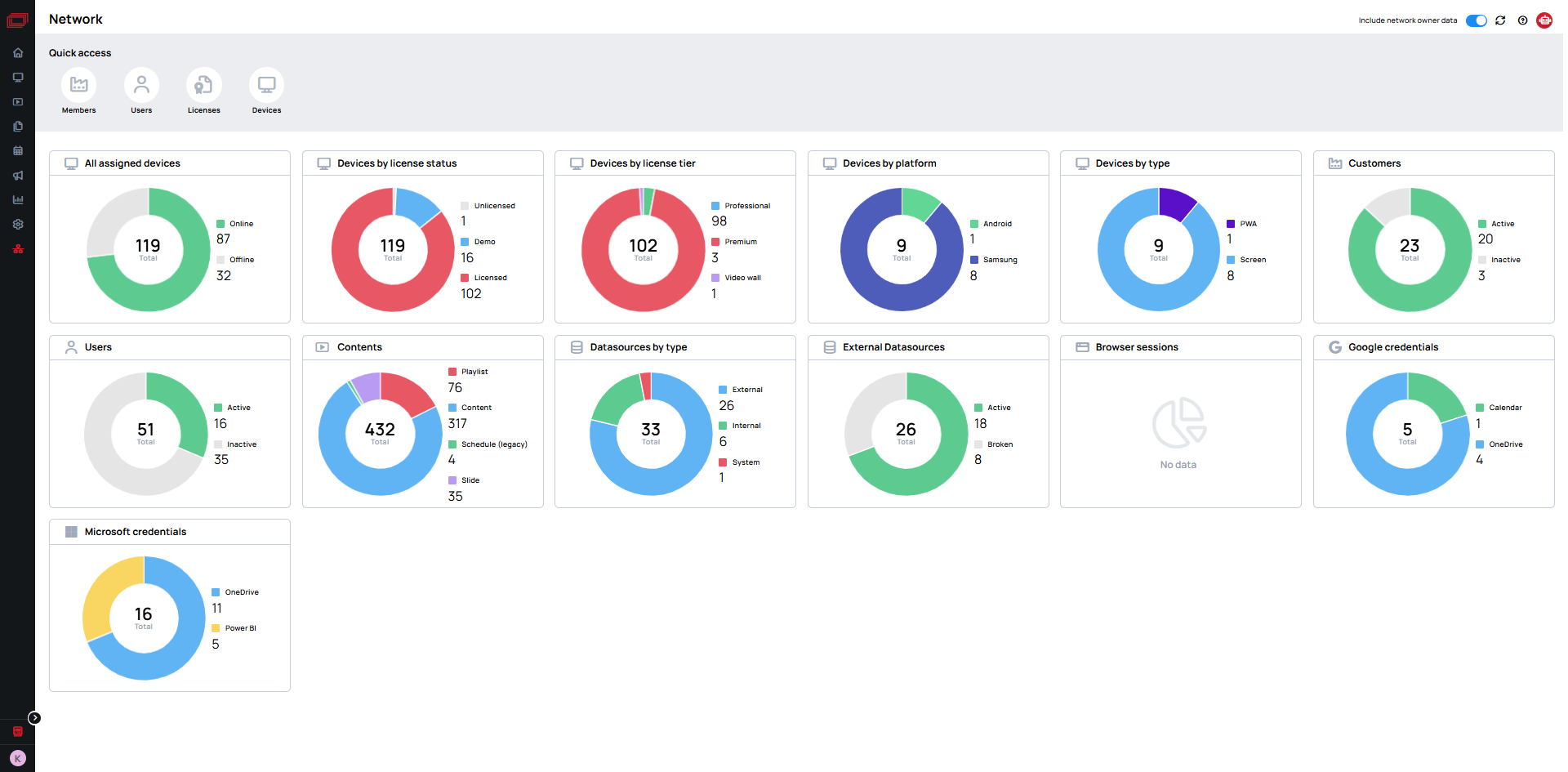
See everything happening across your network at a glance.
What the dashboard shows:
- How many screens are online
- How licenses are being used
- Which type of content is showing
- How active each location is
Dashboard tools:
- Click on charts to see more details
- Filter by location or date
- Download reports
- Get alerts when something needs attention
Troubleshooting
Q: I can't see a member. What should I check?
A: Check you're logged in as Network Owner/Administrator with Access to Network member privileges.
Verify member was created successfully.
Q: User sees wrong workspace. How to solve this?
A: Verify the user is assigned to the correct member. If they're assigned to the wrong member, you'll need to re-register them under the correct one.
Users cannot be moved between members! You must remove the user and register them again under the correct member workspace.
Q: I can't share content between members. How do I share content?
A: This is by design - members are isolated workspaces.
Use Teams within single workspace, or duplicate content manually.